
Today’s topic, “Comparing digital journaling apps for stress management is important for our mental health and well-being. Many of us prefer to use paper notebooks to write down our thoughts and ideas, but a digital journal is great for many of us; maybe it is the only way that could get us into journaling.
Journaling is another way to reduce stress, another stress relief method to use for our well-being and better stress management. We live in very stressful times, stress comes from everywhere we look, and we need to try many ways and tips to reduce it.
As an Amazon Associate, I earn from qualifying purchases
Digital Journaling Apps for Stress Management: Comparison Guide
Stress has a way of sneaking up on me if I am not paying attention, and I have found that keeping a journal helps calm the noise. For anyone else looking for a super convenient way to track moods, offload worries, and find a little peace, digital journaling apps are worth checking out. Here, I will walk through the most common questions about digital journaling apps and share what I think makes each one great for stress management.
Getting Started with Digital Journaling Apps
What are digital journaling apps?
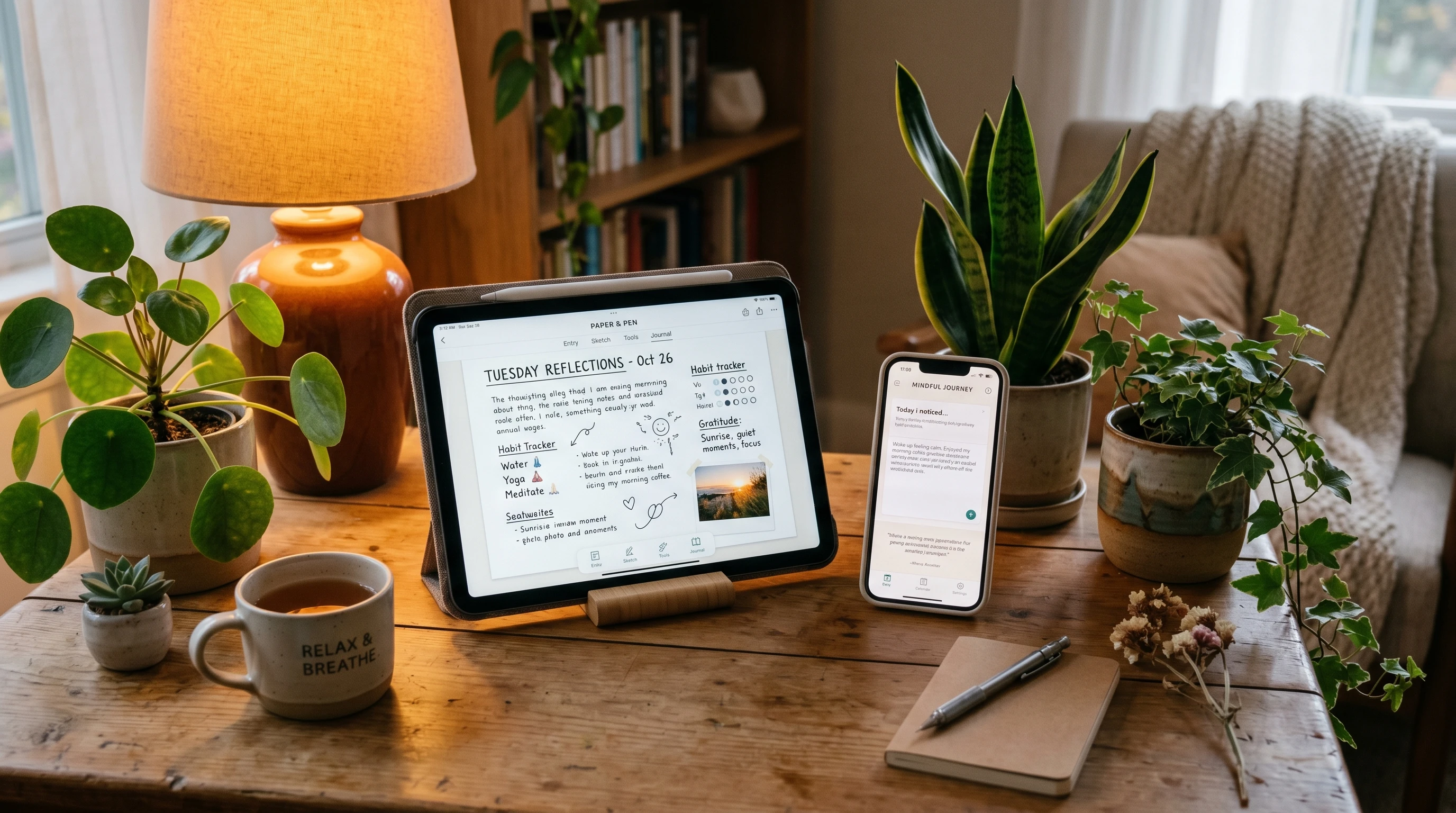
Digital journaling apps are tools designed to help you write down your thoughts, feelings, or experiences using your phone, tablet, or computer. They often include features like reminders, mood trackers, prompts, and data syncing. Apps remove the need for a physical notebook and make it easier for us to journal anytime, anywhere. Some even offer extras like tagging, voice-to-text options, or photo attachments, which can make recording different types of entries a breeze.
How can journaling apps help with stress?
I use journaling to get my feelings out of my head and onto the page, where I can actually see patterns or triggers. Journaling apps can take it up a notch with reminders to check in, mood charts, and prompts that encourage reflection on what is causing tension or anxiety. Having everything in one spot is pretty handy if I want to look back and see what is working for me. The added convenience of digital tools makes journaling feel less like a chore and more like a self-care treat.
Some apps track how often you write, which helps create a sense of routine. Over time, staying consistent with entries can create a clear record of stressful periods, highlight improvements, and remind you of your progress. With digital apps, I don’t have to worry about losing my notes or having them get messy. This freedom lets me express myself honestly and freely.
Common Features of Stress-Relief Journaling Apps
What features should I look for in a journaling app for stress?
Some features can really make a difference for stress management. Here is what I keep an eye out for:
- Daily Reminders – Helpful for building a regular habit.
- Mood Tracking – Lets me monitor patterns over time.
- Prompts & Guided Entries – Breaks through writer’s block when I am not sure what to say.
- Lock or Privacy Options – Keeps my entries safe and private.
- Sync/Backup – Makes sure I don’t lose my entries if I change devices.
- Search & Tags – Easily find old entries or track recurring themes.
You might appreciate features like customizable themes, voice recordings, and export options, depending on your lifestyle and preferences. A simple interface also helps the process feel calming instead of overwhelming.
Are there free options?
Lots of journaling apps offer free versions. While paid plans often unlock more advanced features, such as more detailed mood analytics or unlimited photo uploads, free versions are usually good enough for basic journaling and tracking. Some apps even allow access to a small library of prompts or basic sync options so you can use them across multiple devices without upgrading right away.
Do you want a digital diary? CLICK HERE to choose and get one
Popular Digital Journaling Apps for Stress Management
Day One
Day One is often at the top of lists for good reason. It is super easy to use and lets me add photos, create multiple journals, and secure everything with a password or Face ID. The calendar and search features are useful for spotting stress patterns. Available on iOS, Android, and desktop, it syncs across all devices. The free version is quite powerful, but the paid plan unlocks unlimited journals and more advanced features. Its clean layout and reliable syncing make it a favorite for both beginners and seasoned journalers alike.
Jour
If guided prompts sound helpful, Jour is worth a look. This app focuses on self-care with daily guided journaling practices and check-ins. There are coaching style exercises, mood tracking, and reminders, which all help keep me on track. Jour’s design is simple, and most features are available for free, with extra content behind a subscription. The wide range of prompts is especially good for anyone not sure where to start or who wants a bit of extra support navigating stressful days.
Penzu
Penzu sticks closer to a classic diary style, so it feels comfortable if you’re used to traditional journaling. It works right in a browser or on an app, using strong password protection and optional end-to-end encryption. Penzu doesn’t get much into mood analytics, but the customization, privacy options, and journaling reminders are handy. There is a free version, along with a paid upgrade for locking multiple journals and more formatting options. If you like the idea of a digital notebook that feels private and straightforward, Penzu is a solid pick.
Reflectly
Reflectly uses AI to guide journaling sessions and tailors questions based on your mood. I find the daily check-ins and positive quotes great for carving out a moment of reflection. There is a mood tracker and an overview screen that shows how my mindset changes over time. Basic features are free, but premium unlocks insights and extra prompts. The playful design and automatic mood tracking make Reflectly appealing if you want encouragement and easy ways to look back on emotional trends.
Choosing the Best App for Your Needs
How do I pick the right journaling app for stress management?
I pick apps based on how easy they are to use, how well they keep my info safe, and whether their prompts or tracking features line up with what I actually want. If a mood tracker helps me see big picture trends, I stick with something like Day One or Reflectly. For detailed, private writing, I lean toward Penzu. For gentle encouragement to reflect on stress, I would suggest Jour.
Make a list of must-haves and try a couple out before settling in, since everyone’s needs and preferences are different. Some people care most about security, while others want as many prompts or analytics as possible. Try not to overthink it; if an app feels easy and encourages you to write regularly, that’s a win.
Can I switch between apps?
Absolutely. It is common to try a few before settling on one. Many apps let you export your entries if you want to move your data, but it is a good idea to check before you commit to one option. Don’t worry about outgrowing an app; switching is easy and sometimes leads to an even better fit down the line.
Tech Support & Resources
Where do I get help if the app isn’t working right?
Most journaling apps provide a support or help section inside the app or on their website. Day One, Reflectly, and Penzu all offer email support and FAQs. If I ever run into trouble or need tips on using features, that is the first place I check. Many also have active forums or social media pages where users share solutions and tips, so you don’t have to feel alone if something goes sideways.
What if I want extra guidance on journaling for stress?
There are lots of online communities and resources where people share tips about journaling for stress relief. Places like Reddit’s journaling forums, mental health blogs, and even the app blogs themselves are filled with useful advice. Guided journaling books or stress-relief workbooks can also add new ideas to try, even if you prefer to write digitally. Podcasts and YouTube channels sometimes feature expert advice or journaling walkthroughs for stress and wellness, which can motivate you to keep going.
Conclusion
It is good to compare digital journaling apps for stress management, because we need to keep in mind that there is not only journaling in notebooks and paper. These days, there are also digital journaling apps that you can use for this.
If you still have questions about finding the best digital journaling app for stress management, feel free to reach out in the comments or get in touch directly with the app’s customer support. Managing stress is super important, and finding a journaling style that fits makes it easier to stick with the habit. You don’t have to go it alone; the right digital journal can give you tools and motivation to look after your mental well-being for the long haul.
What do you think about this article? Do you have any advice or suggestions? Please let us know your thoughts and write in the comment section below.
Meditation is great for stress relief. CLICK HERE to learn more about it
I would like to hear from you, so please leave me a comment below to let me know if this article helped you.
If you want to know more about ways you can manage stress, please subscribe to this blog.
If you think this article is helpful, please share it.
Thank you! Have a nice day! Until later
Linda Mo
Founder and owner of How To Reduce Stress Naturally